
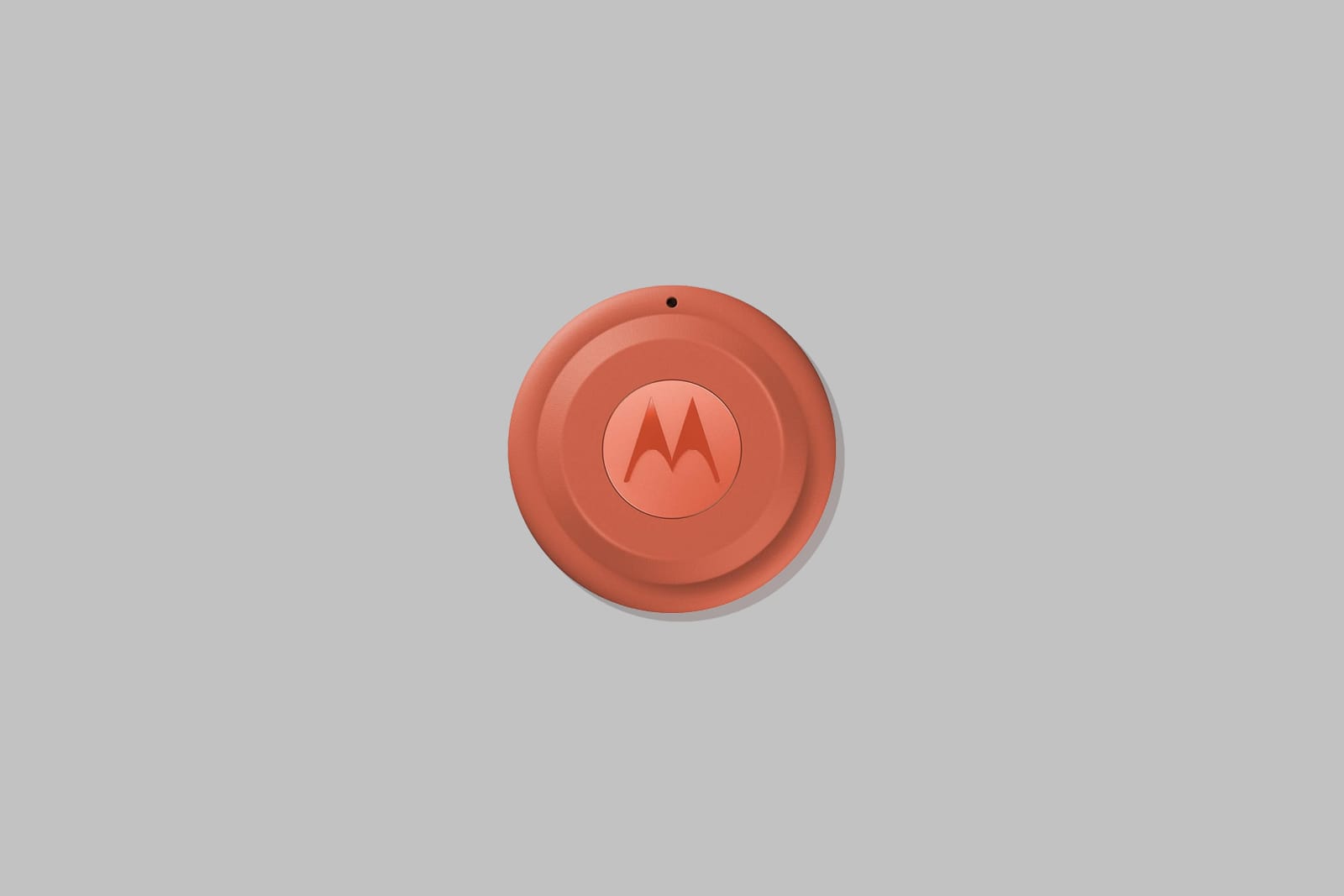
I’ve been using the first-generation Moto Tag for about a year now, tucked into the same backpack pocket on every trip. I still think it’s the best AirTag alternative in the Android space, but there were a few rough edges I’d quietly made peace with.
Motorola built the Moto Tag 2 to sand those down. After a few weeks of carrying it, I can say it’s a step forward, not just a coat of new paint.
Disclosure: I am not affiliated with Motorola and did not receive any monetary compensation or free products for this review. My opinions are based solely on my personal experience. There is an affiliate link at the bottom of this review. If you choose to use it, I may receive a small commission at no additional cost to you.
A Battery That Lasts Almost Two Trips Around the Sun
The headline change is battery life, nearly doubled, up to 500 days on a single CR2032. A few weeks isn’t enough time to fully put that number to the test myself, but I can speak to the thing that actually bothered me on the first generation: a firmware update would occasionally chew through an entire fresh battery in one sitting. It happened to me more than once. I haven’t seen it happen yet on the Moto Tag 2, and that alone has eased some of the low-grade dread that came with hearing my phone tell me a tag was running low.


It Finds Itself Faster Now
The original Moto Tag had a noticeable lag, 5 to 10 seconds before your phone locked onto its location. Standing in a parking lot waiting for a location lock is not a great way to spend your time. The Moto Tag 2 cuts that down to 2 to 5 seconds, often half the wait before. It’s a small number on paper, but when you’re in a hurry, it makes a difference.
Worth noting: this improvement is specific to directional tracking. If you’re just checking a tag’s last known location through the Google Find Hub app, there typically isn’t a delay either way.
A Little More PANTONE
Motorola’s partnership with PANTONE carries over here, with two new colorways: Arabesque and Laurel Oak. It’s nice to see some more playful options. I wouldn’t call it a reason to upgrade on its own.
Everything Else, Same as Before
Outside of those changes, nothing else shifted dramatically. The app works the same as it always has, and there’s one new ringtone option in the settings. If you want the deeper rundown on the app itself, that’s covered in my first-generation review.
The Network Is Still the Real Limitation
One thing that hasn’t changed, and won’t, with this hardware refresh: the Google Find Hub network is still less reliable than Apple’s Find My network in quiet areas. The gap comes down to a deliberate design choice. By default, Find Hub requires multiple nearby Android phones to detect a tag before it’ll report a location, a measure meant to make it harder for someone to use a tag to track another person to a private address. In a busy airport or cafe, that’s rarely a problem. Somewhere quiet, it can mean no location at all.
There’s a “findable everywhere” setting that loosens this, but it’s not something you can fix on your own phone for your own benefit. It only helps if the other Android users near your lost tag also have it turned on. So the real bottleneck isn’t the tag, or even your settings; it’s how many nearby strangers have opted into the more permissive setting. That’s out of any one person’s control, and it’s the one thing the Moto Tag 2 can’t engineer its way around.
There’s a bit of irony here. Google is usually the one getting blasted for not respecting people’s privacy, but in this case, it’s the one providing the real protection. Just goes to show, things are rarely as straightforward as they seem.
Bottom Line
These remain the AirTag alternative I’d point Android users toward. The replaceable CR2032 keeps them out of the e-waste pile in a way sealed-battery trackers never will. And the core experience, precision finding, ultrawideband accuracy, directional tracking, has gotten noticeably more reliable.
If you’re shopping for an AirTag alternative on Android, this is the one to buy.
If you want to pick up the Moto Tag 2, here’s my affiliate link (Amazon). It costs you nothing extra and helps keep this site going. Happy travels ✈️


Leave a Reply